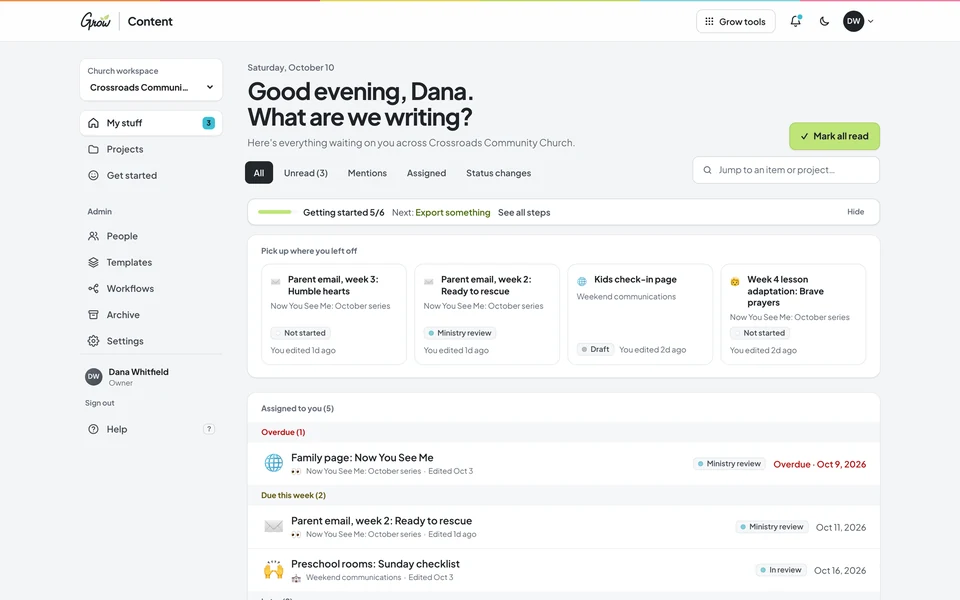
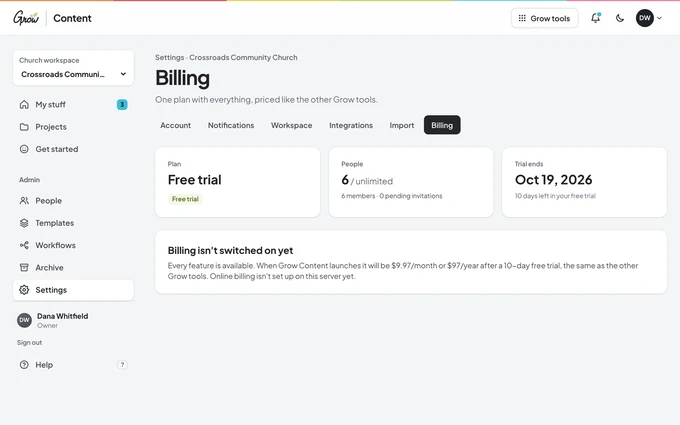
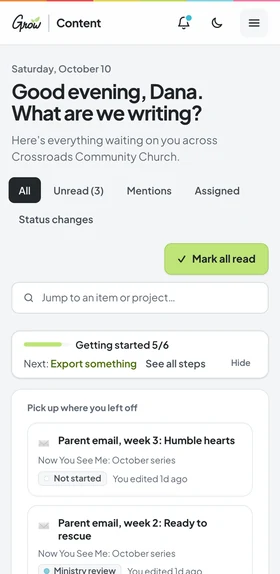
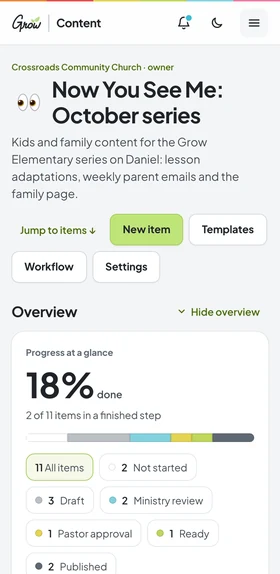
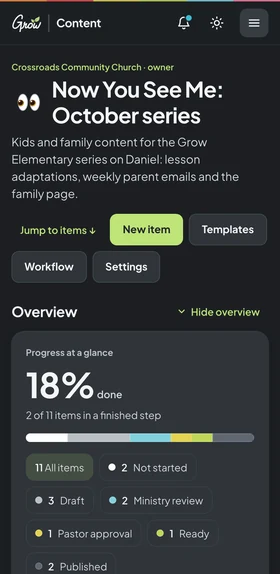
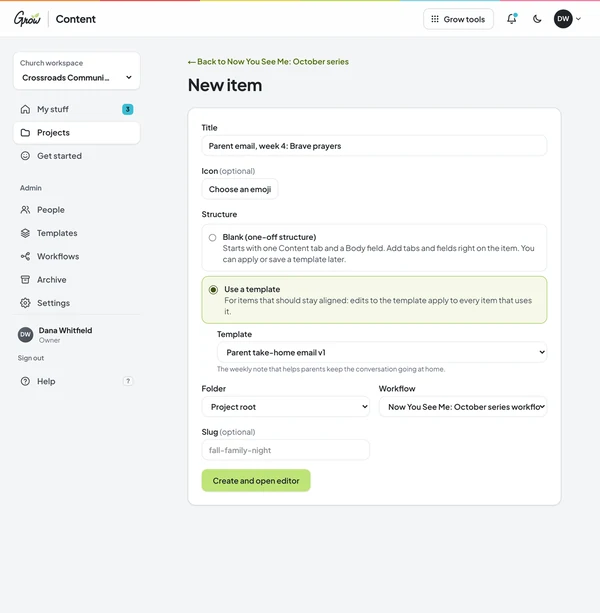
Parent emails, lesson adaptations, social captions, bulletin copy and volunteer guides, all in one place. Everyone can see what's in draft, what's waiting on the pastor, and what's ready to send.
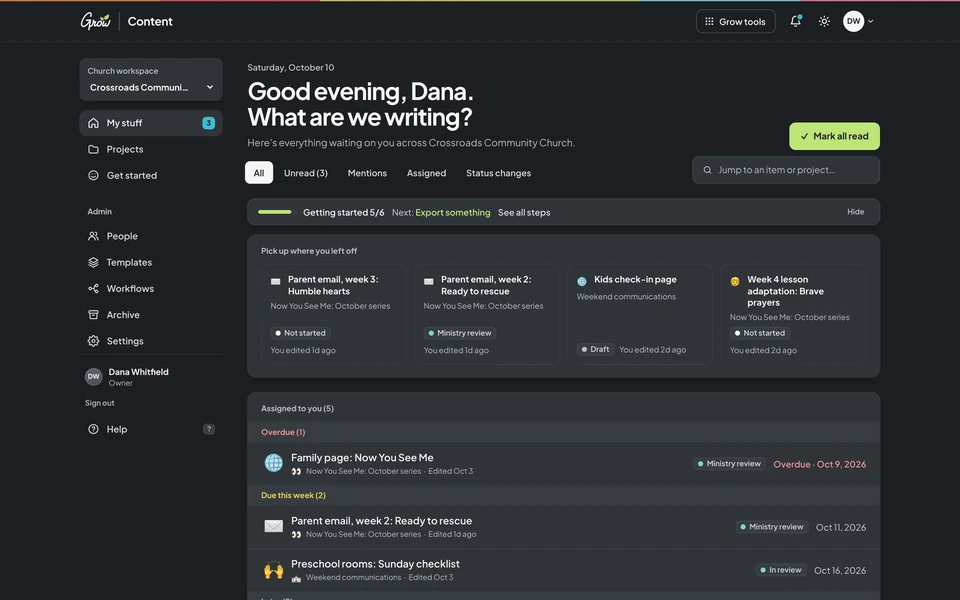
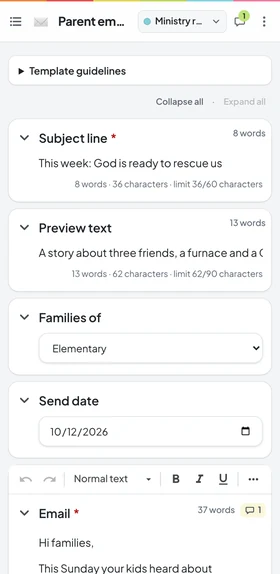
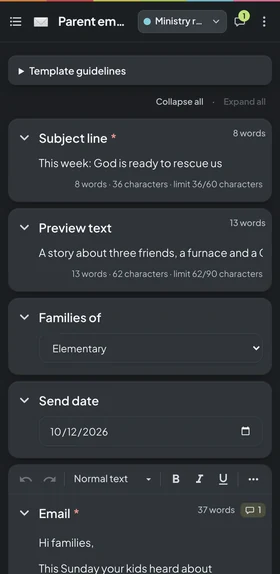
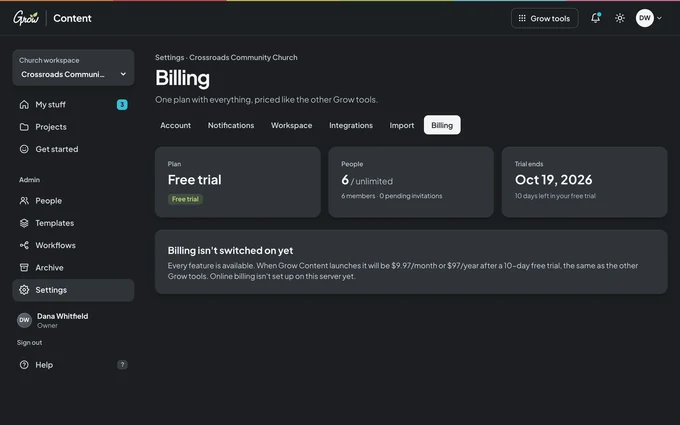
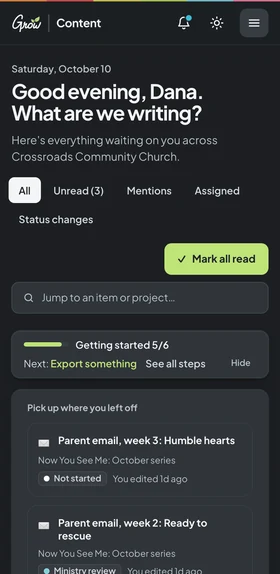
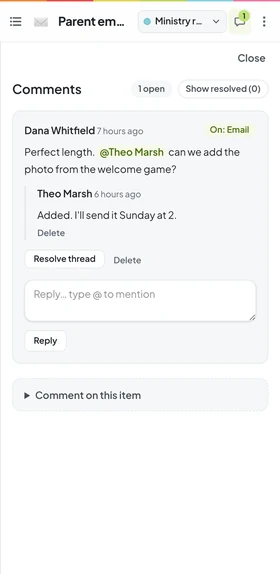
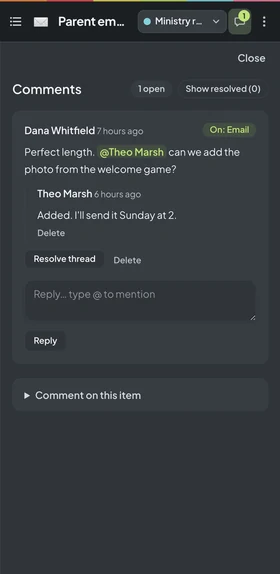
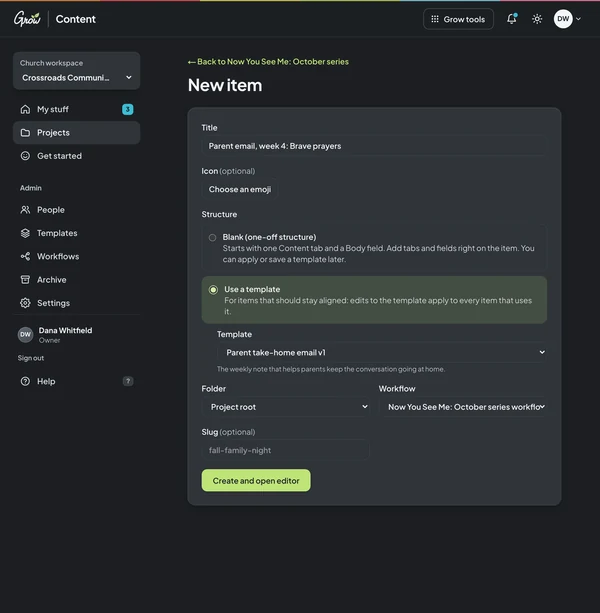
Grow Content on desktop and phoneGrow Content on a phone · sample church with fictional names
Sound familiar?
The writing isn't the hard part. Keeping track of it is.
A shared doc, an email thread, a text to the pastor, and a sticky note that says "bulletin by Thursday." Every week the same pieces get written, checked and sent, and every week something slips. That's a process problem, not a you problem.
Thursday, 4:45 pm
"Did the pastor see this yet?"
The parent email is ready. The approval is somewhere in a text thread from Tuesday, under a photo of the fog machine.
Saturday, 10:12 pm
Which version is the real one?
There are three copies of the announcement. One has the new time. Nobody is sure which one went to the slides.
Every single week
Starting from a blank page again.
Same email, same caption, same bulletin blurb shape, rebuilt from scratch because last week's lives in someone's inbox.
You're not behind. Your team just needs one place to write and approve.
How it works
From first draft to approved, without the chase.
Set it up once for the content you write every week. After that, everyone knows what's next.
A sermon series project with its review steps · sample church, fictional names
Pick your templates
Start with ready-made templates for parent emails, lesson adaptations, social captions, bulletin copy and more. Change any field to fit your church.
Write together
Everyone writes in the same place. It saves as you type, and every change is kept, so nothing gets lost or overwritten.
Review and approve
Comment on the exact line, @mention a teammate, and move it to "Pastor approval." When it's approved, it's ready to send.
Six tools that stand in for the shared doc, the email thread and the sticky note. Pick one to take a look.
My stuff
Know what's yours this week.
Open Grow Content and see what's assigned to you, what's overdue, what's due this week and who mentioned you. No more scrolling a thread to find your part.
Work assigned to you, sorted by due date
Overdue items stand out
Mentions and replies in one list
Pick up where you left off
Sample church · fictional names
Writing
A calm place to write, that saves as you go.
Each piece has the fields it needs, like a subject line, a Big Idea and a car-ride question, with tips and word limits right there. Every save is kept, so you can compare versions and restore an older one.
Autosave while you type
Word and character limits with live counts
Revision history with compare and restore
Attach images and files to the right field
Sample church · fictional names
Comments & review
Feedback on the exact line, not in a text.
Highlight the words you want to talk about and leave a comment. @mention a teammate, reply in the thread and resolve it when it's handled. Review steps like "Pastor approval" can be set so only reviewers move things past them.
Comments on the exact words
@mentions with notifications
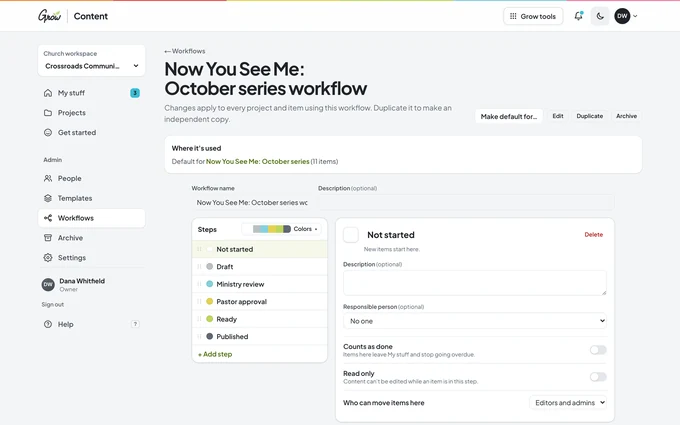
Your own review steps and approvals
Lock content once it's approved
Sample church · fictional names
Templates
Never start from a blank page again.
Decide the shape of each piece once. Every item made from a template arrives with the right fields, tips and limits, so the parent email always has a car-ride question and the bulletin blurb always fits.
Starter templates made for church teams
Text, choices, dates, checklists and files
Guidance for writers, right in the form
Organise items in folders by week or ministry
Sample church · fictional names
People & roles
The right access for staff, volunteers and pastors.
Invite people by email and give each one the access they need. A volunteer writer can see only the project they help with. Your pastor can review and comment without editing.
Admins, editors, commenters and viewers
Access per project
An activity log of who changed what
One plan for your whole team
Sample church · fictional names
Export
Get it out as easily as it went in.
When it's approved, export it to Word for the bulletin, copy clean HTML for your email tool, or download many items at once. Your content is never locked in.
Word, Markdown, HTML, JSON or CSV
Export many items at once
An API and webhooks for your website
Even after a plan ends, you can still export
Sample church · fictional names
What you can write
The things your church sends every week.
Each kind of content gets its own template, so it always has the right parts. Start with these, then make your own.
Sermon series notes
The Big Idea, the passage and weekly notes, shared by kids, students and adults.
Parent take-home emails
What kids learned this Sunday, plus a car-ride question parents can actually use.
Lesson adaptations
What you changed in this week's lesson and why, so the next teacher can follow it.
Social captions
Instagram, Facebook and story text for the same post, written and approved together.
Bulletin & announcements
One event, written for the bulletin, the slides and the stage, in one place.
Volunteer training
Sunday checklists, safety policies and who to ask, for every team.
App tour
A look around Grow Content.
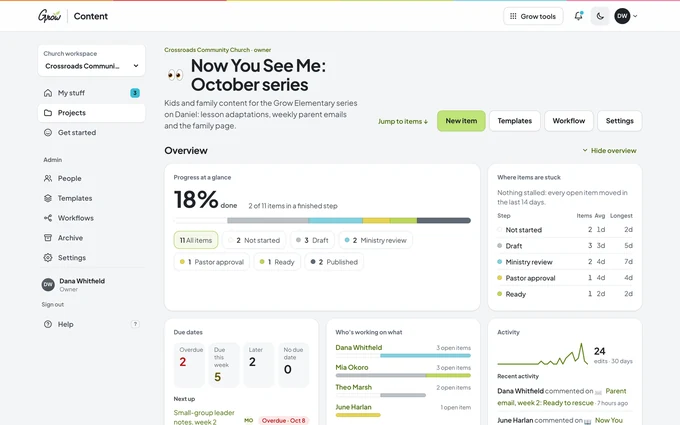
Real screens from the app, with a sample church and fictional names. It looks and works like the other Grow tools, in light or dark mode, on a computer or a phone.
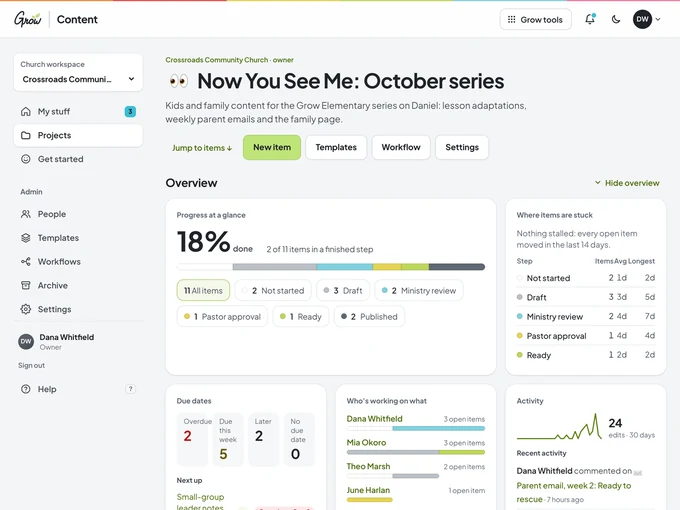
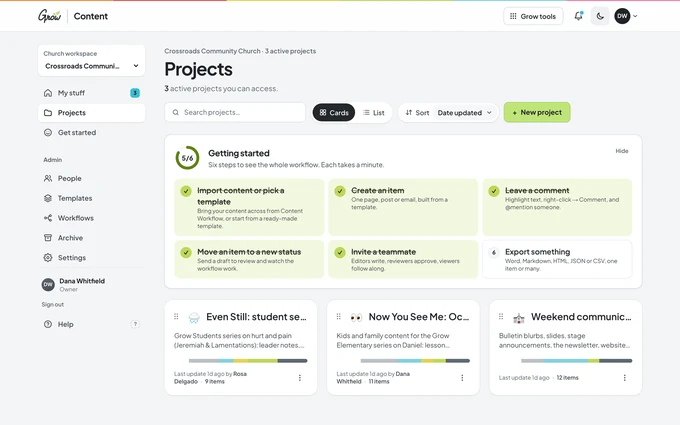
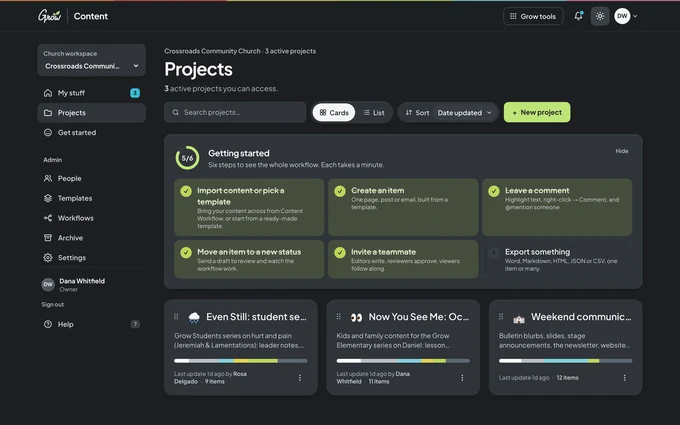
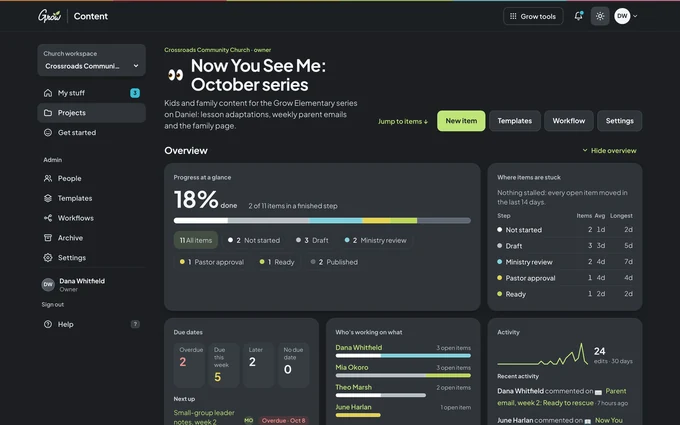
Projects. One project per series or ministry, with progress at a glance.
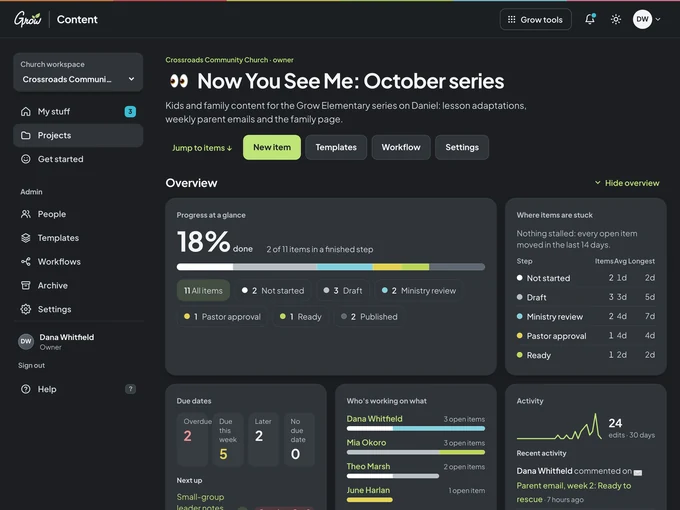
Inside a project. Folders, statuses, assignees and due dates in one list.
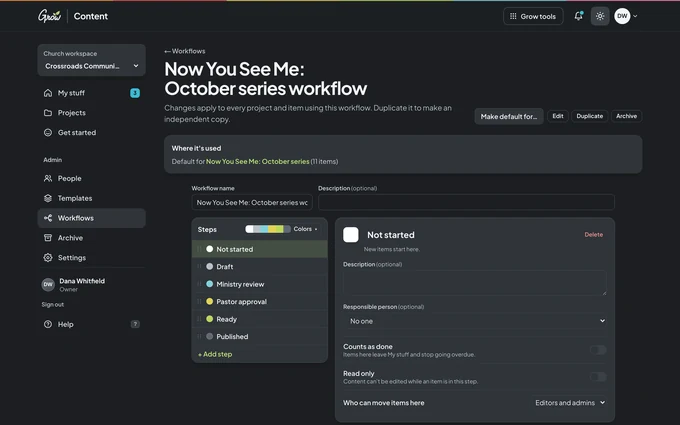
Your review steps. Name them, colour them, and choose who can approve.
One simple plan. Monthly or yearly, for your whole team.
My stuffA projectWriting
Real screens from Grow Content, with a sample church and fictional names. Use the moon or sun button to see them in dark or light mode.
Part of the Grow family
It works like the Grow tools you already know.
Grow Content uses the same design as Grow Hubs, Grow Slides and Lesson Builder, in light or dark mode. If your team knows one Grow tool, they'll find their way around this one.
Same look and layout as the other Grow apps
Light and dark mode
Made for church teams, from the people behind Grow
Right now. Start your free trial and you'll get 10 days of full access right away. After that, choose $9.97 per month or $97 per year. Want to look around first? Try the demo, no sign-up needed.
How much does it cost?
One plan, the same price as the other Grow tools: $9.97 per month or $97 per year, after a 10-day free trial. There's no per-person price, so your whole team is covered.
Is Grow Content included with Grow Curriculum?
Yes. Grow Content is included with the Grow Subscription. Grow Hubs, Lesson Builder, Grow Slides, and the Planning View come with every Grow Curriculum plan.
Do I need Grow Curriculum to use Grow Content?
No. Grow Content works for any church team that writes and approves content, whatever curriculum you use.
What kinds of content can we write in it?
Anything your church writes on a regular basis: sermon series notes, parent take-home emails, lesson adaptations, social captions, bulletin and stage announcements, volunteer training guides, website pages and newsletters. Start from a template and change any field to fit.
Can our pastor approve things before they go out?
Yes. Add a review step like "Pastor approval" and choose who can move items past it. Approved content can be locked so it doesn't change by accident.
Can volunteers help write?
Yes. Invite them by email and give them access to just the projects they help with. Everything else stays private.
Does it work on phones?
Yes. Grow Content runs in the web browser, so it works on any phone, tablet or computer, in light or dark mode.
Can we get our content out again?
Always. Export to Word, Markdown, HTML, JSON or CSV, one item or many at once. Even if a plan ends, your team can still sign in, read everything and export it.