Grow Hubs · for ministry teams

Your volunteers and parents, all in one place.

Announcements, events with RSVPs, messages, and photos live together in one hub, so your people always know where to look. No more digging through group texts for the setup time.

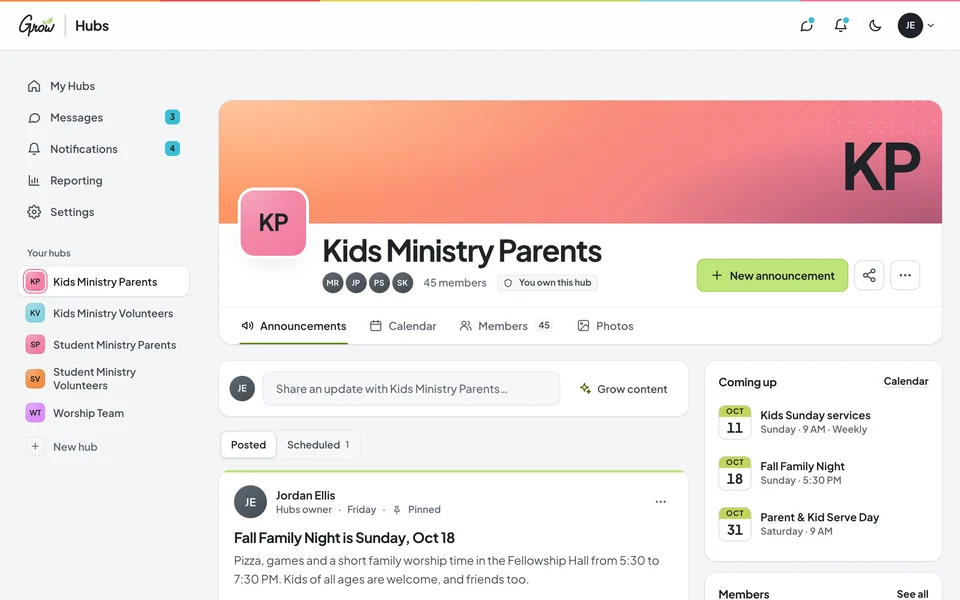
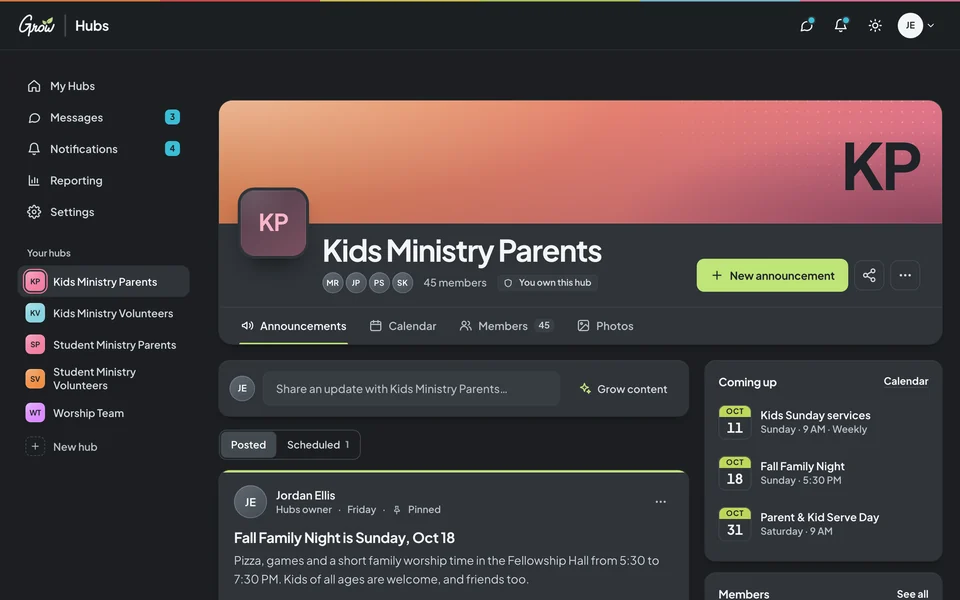
A Grow Hubs parents hub on desktop: a banner, an announcement feed with reactions, and upcoming events A Grow Hubs parents hub on desktop in dark mode: a banner, an announcement feed with reactions, and upcoming events
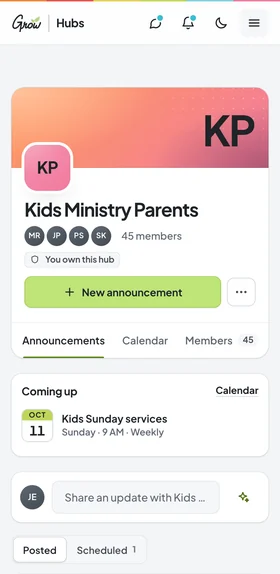
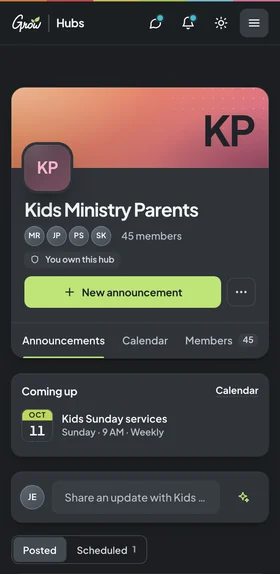
The same parents hub on a phone The same parents hub on a phone in dark mode
Grow Hubs on desktop and phoneGrow Hubs on a phone · sample hub with fictional names
Sound familiar?

Your team wants to show up. The plan is just scattered.

A group text, an email list, a Facebook group, a sign-up sheet, and your memory. Every update means sending it everywhere and hoping it lands. That's a tools problem, not a you problem.

  1. Tuesday, 9:12 pm

    "Wait, what time is setup?"

    You answered that last week. It's buried somewhere under a lot of messages and a GIF thread about lanyards.

  2. Sunday, 8:30 am

    The parent email nobody opened.

    The permission-slip reminder went out on time. It's sitting in a promotions tab next to a coupon for tires.

  3. Three weeks before the event

    So… how many pizzas?

    Headcounts live in replies, texts, and hallway conversations, so you're ordering on a guess and hoping for leftovers.

You're not disorganized. Your team just needs one place to look.

How it works

Up and running before your next team meeting.

No training day required. If your volunteers can open a link, they can use a hub.

A 75-second tour with narration. Captions available. Sample hub · fictional names.
  1. Create your hub

    Make a hub for your volunteers, parents, worship team, or any group. Add your banner and colors so it feels like your ministry.

  2. Invite your people

    Share a public link, send email invites, or import your whole list at once. Call member types whatever your church calls them.

  3. Share what matters

    Post announcements, add events with RSVPs, and message people directly. Everyone knows exactly where to look.

What's inside

Everything your team needs to know, in one hub.

Six tools that stand in for the group text, the email blast, and the sign-up sheet. Pick one to take a look.

Announcements

Post once. Everyone sees it.

Write it tonight, schedule it for Saturday, and choose whether to notify hub members. People can comment, reply, and react with an emoji, so "got it!" doesn't need its own text thread.

  • Schedule announcements ahead of time
  • "Notify hub members" when it posts
  • Comments, replies, and emoji reactions
  • Start from Grow Content if you use Grow
A volunteers hub with a pinned announcement, emoji reactions, comments, and a list of upcoming events A volunteers hub in dark mode with a pinned announcement, emoji reactions, comments, and upcoming events
Sample hub · fictional names
One hub for every group

Start with your volunteers. Then give every group its own space.

Each hub has its own members, announcements, and calendar. Parents only see parent stuff, and your worship team stops getting nursery reminders.

  • Volunteers

    Schedules, training reminders, and a thank-you everyone actually sees.

  • Parents

    What kids learned this week, upcoming events, and sign-ups with RSVPs.

  • Worship team

    Rehearsal times and set changes, without a forty-person group text.

  • Events & trips

    One hub per camp or retreat: packing lists, photos, and who's going.

  • Small group leaders

    Discussion plans and prayer needs, shared ahead of time.

  • Staff & leaders

    Add other hub admins so the work doesn't all sit on you.

Better with Grow Curriculum

Your communication plan is already written.

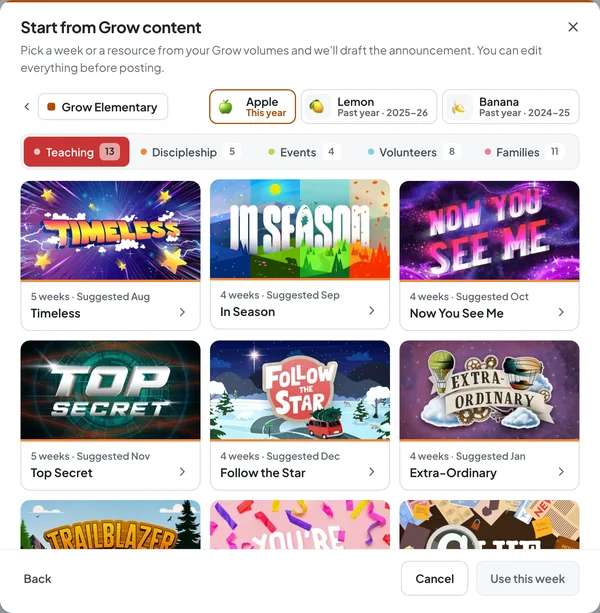
If you use Grow Curriculum, the parent and volunteer communication for every series is ready to bring into Grow Hubs. Choose Grow Content, pick the week, make it yours, and post it as an announcement or calendar event.

  • Parent updates for every series
  • Volunteer reminders and thank-yous
  • Events dropped straight onto your hub calendar
See Grow Curriculum →Grow Hubs is included with every Grow Curriculum plan.
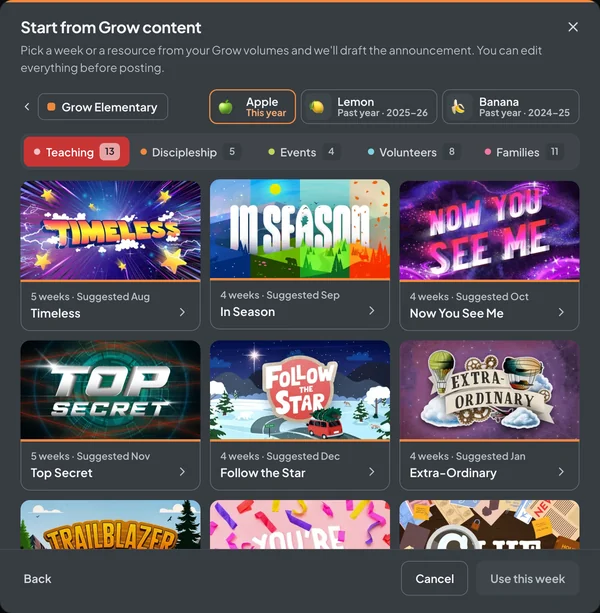
The Start from Grow content dialog showing Grow Elementary series with their art, ready to draft an announcement The Start from Grow content dialog in dark mode showing Grow Elementary series
Picking Grow Content in the redesigned Grow Hubs · sample data
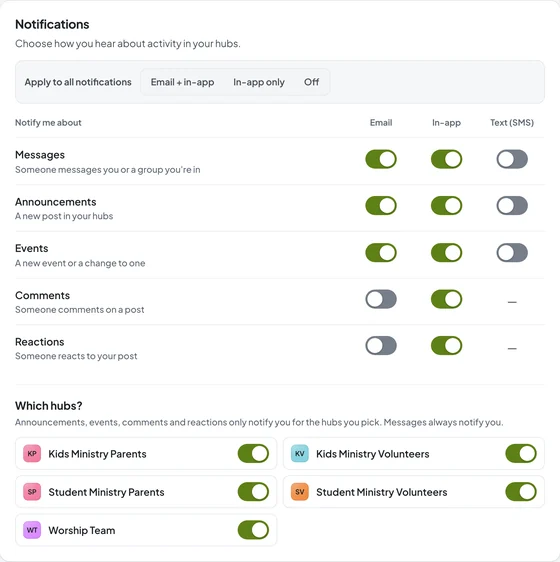
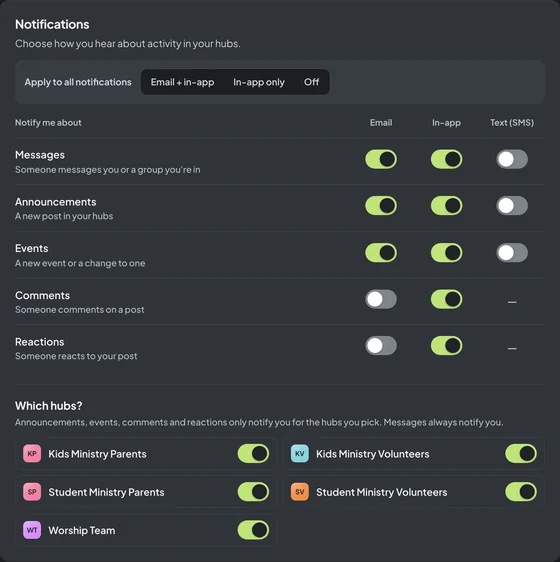
Notification settings with email, in-app, and text switches for messages, announcements, and events, plus a choice of hubs Notification settings in dark mode with email, in-app, and text switches
Notification settings · sample hubs
On any phone

It works on the phone they already have.

Grow Hubs runs in the web browser, so it works on any phone, tablet, or computer. Each person chooses how they hear about new messages, announcements, and events: by email, in the app, or by text.

  • Any phone browser
  • Email, in-app, or text
  • Pick which hubs notify you
From ministry leaders

"My main source of communication with my volunteers."

Two leaders who use Grow Hubs, quoted word for word from stuffyoucanuse.org.

I love Grow Hubs! It is my main source of communication with my volunteers.
JessicaGrow Hubs user
Grow Hubs has completely transformed my communication experience with my volunteers! The pre-scheduled announcements also help me better plan out my month.
MarkGrow Hubs user
Your real options

How Grow Hubs compares to what you use now.

Most ministries already use some mix of these, and each one is good at something. Here's an honest look at where Grow Hubs fits.

Group texts, email lists, Facebook groups, and Grow Hubs compared
FeatureGroup textsTextsEmail listsEmailFacebook groupsFacebookGrow Hubs
Updates stay easy to find later
Shared calendar with RSVP tracking
Schedule announcements ahead of time
Separate spaces for each group
Private messages in the same place
No personal social media account needed
Ready-made posts from your curriculum

"Ready-made posts" means Grow Content, which comes with the Grow Subscription.

Pricing

Try it free for 10 days.

Add a card to start your 10 free days: $0 today, then $9.97/month unless you cancel. Already on Grow Curriculum? You're covered.

Grow HubsMonth to month

Monthly

Flexible. Pay as you go, one month at a time.

$9.97/month

After your 10-day free trial

Start free trial

Everything in Grow Hubs

  • Announcements with comments & reactions
  • Shared calendar with RSVP tracking
  • Private messages
  • Photo library
  • Hub admins & activity reporting
Grow HubsBest value
Save $22.64 a year

Yearly

One payment for the whole ministry year.

$97/year

About $8.08/month, billed yearly

Subscribe yearly →

Everything in Grow Hubs

  • Announcements with comments & reactions
  • Shared calendar with RSVP tracking
  • Private messages
  • Photo library
  • Hub admins & activity reporting
Grow CurriculumIncluded

Already on Grow?

Grow Hubs is included with every Grow Curriculum plan.

$0extra

Plus Grow Content: ready-made posts and events for every series

Log in to Grow Hubs

Also included with every plan

  • Lesson Builder
  • Grow Slides
  • The Planning View

New to Grow? Plans start at $597/yr (or $58/mo) per age group. See Grow plans

$0 today.Your card is checked, not charged. Your first hub can be live in minutes.
Questions first?Email support@stuffyoucanuse.org, call 877-486-3272, or book a Zoom call with our team.
Good questions

Before you start.

The questions ministry leaders ask us most, answered plainly.

Want to talk it through?

Our team is happy to help you set up your first hub. Email support@stuffyoucanuse.org or call 877-486-3272.

Book a Zoom call
How does the free trial work?

Add a card to start your 10 free days: $0 today, then $9.97 per month unless you cancel before they end.

Is Grow Hubs included with Grow Curriculum?

Yes. Grow Hubs is included with the Grow Subscription, along with Lesson Builder, Grow Slides, and the Planning View, and with Teaching Only too. Log in to Grow Hubs with your Grow account to get started.

Do I need Grow Curriculum to use Grow Hubs?

No. Grow Hubs works for any ministry team. If you use Grow, you also get Grow Content: ready-made announcements and calendar events from your curriculum.

Can I have more than one hub?

Yes. Create a hub for each group you lead, like volunteers, parents, your worship team, or a camp, so every group only sees what's meant for them.

How do people join my hub?

Share a public link, send email invites, or import a list of members all at once. Grow Hubs checks imports for duplicates and invalid email addresses.

Does it work on phones?

Yes. Grow Hubs runs in the web browser, so it works on any phone, tablet, or computer. Each member chooses whether to hear about new messages, announcements, and events by email, in the app, or by text.

Can I schedule announcements ahead of time?

Yes. Write it once, schedule it, and choose whether to notify hub members. Calendar events can repeat on a schedule, with RSVP tracking turned on.

Can other leaders help manage a hub?

Yes. Add hub admins who can post announcements, add calendar events, and manage members with you.