Monthly
Flexible. Pay as you go, one month at a time.
After your 10-day free trial
Start free trialEverything in Lesson Builder
- Every building block
- Teaching View on phone and tablet
- Print, export, and share
- Folders and copies
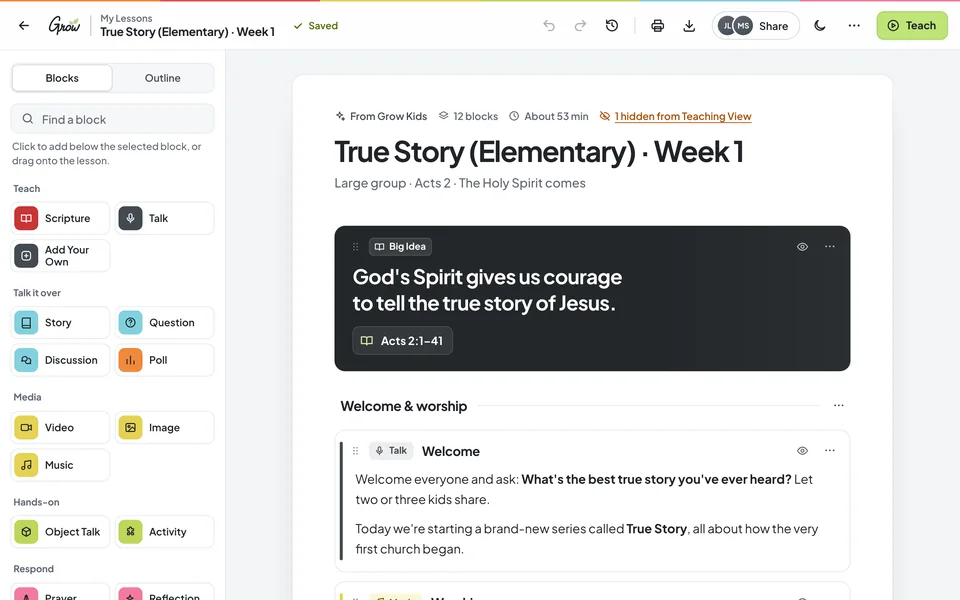
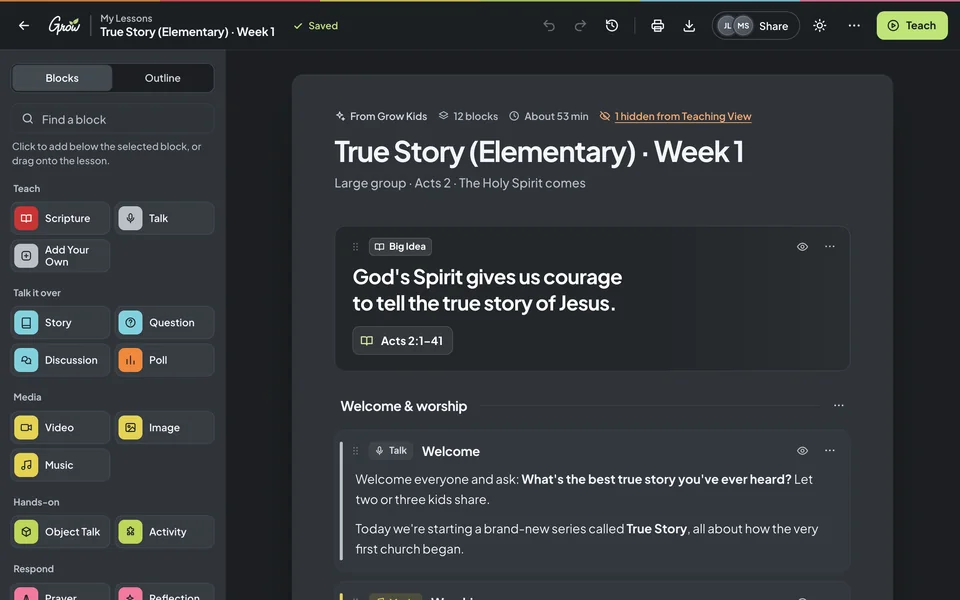
Start from a Grow lesson or a blank page, drag in color-coded building blocks, and shape it for your kids, your students, and your room. Then teach it right from your phone, print it, or share it with your team.


No one knows your kids and students like you do. But making a lesson your own usually means fighting a document instead of preparing your heart to teach. That's a tools problem, not a you problem.
You want to swap one activity and add a question. Forty minutes later, you're still fixing bullet points.
You changed the lesson on Thursday, but your volunteers have last week's version. Now everyone's on a different page.
One accidental tap on your phone and a paragraph disappears, right when twenty kids are looking at you.
You don't need to write a lesson from scratch. You need a faster way to make it yours.
No training day required. If you can drag a card into place, you can build a lesson your volunteers will be glad to teach.
Open a Grow lesson that's already loaded and ready to edit, or start a blank lesson of your own.
Drag color-coded blocks into order, edit any text, and add a video, an activity, or a block of your own.
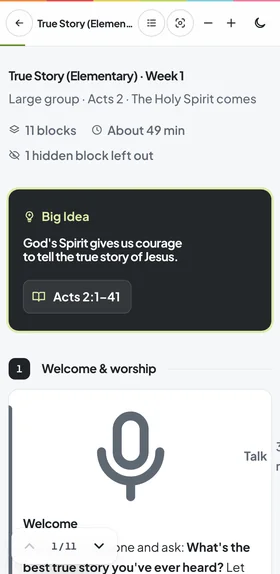
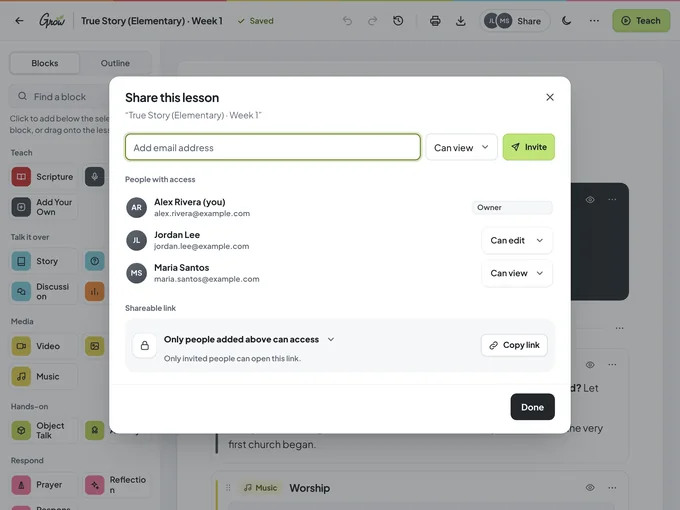
Lead from Teaching View on your phone or tablet, print a clean copy, or share it so your team teaches the same plan.
Simple enough for a first-time volunteer. Flexible enough for the way your ministry actually runs. Pick one to take a look.
Every part of your lesson is a block with its own color, grouped the way you teach: Teach, Talk it over, Media, Hands-on, and Respond. Drag them into order, type or paste your content, and move anything until it fits your group.


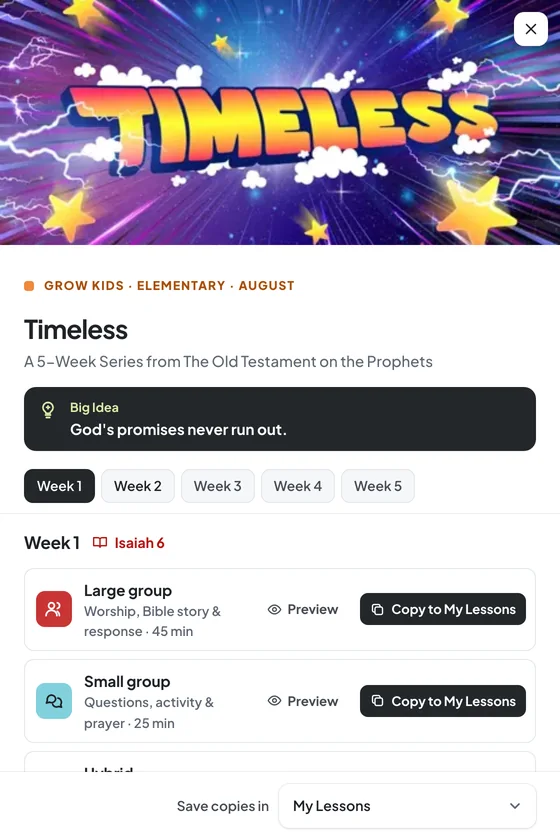
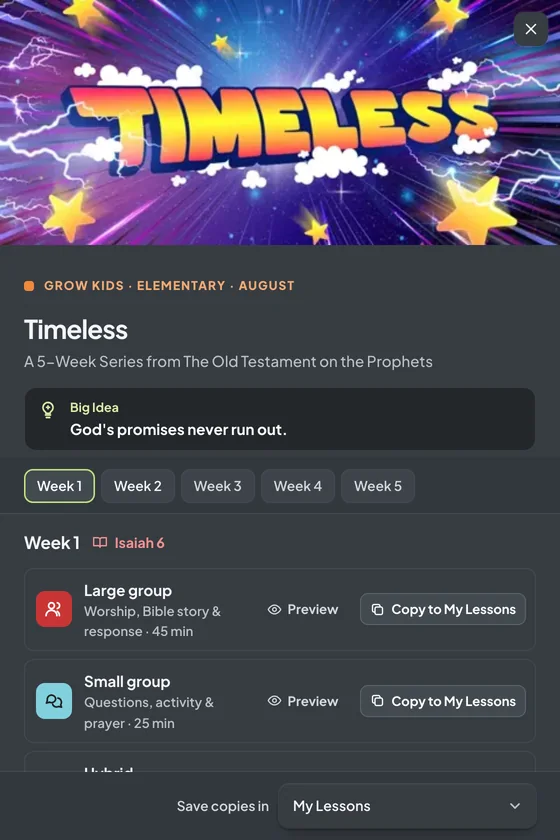
If you use Grow Curriculum, your lessons are preloaded and ready to customize. Open this week's lesson, keep what works, and change what doesn't.


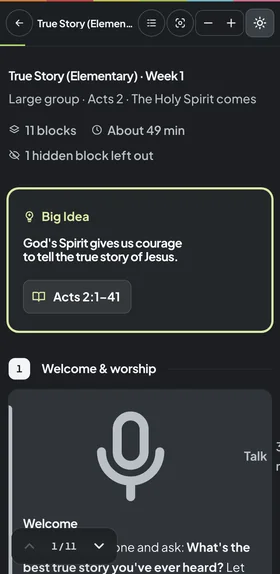
Teaching View locks your text, so you can lead right from your phone or tablet without accidentally changing or erasing anything. Your notes stay put, even when the room gets lively.


Some volunteers love a phone. Some want paper they can write on. Print any lesson as a tidy copy, spaced out for notes or tight to save paper.


Keep lessons in color-coded folders by series, age group, or season. Duplicate a lesson that worked and tweak it for a different room, without starting over.


Every room needs something a little different. Lesson Builder gives each one its own plan, so you can shape a lesson for the people actually sitting in front of you.
Short blocks, lots of movement, and a story told twice. Build for wiggles, not against them.
Large group, small group, and an activity that sticks. Swap the game when you know your kids won't love it.
A talk, Scripture, and discussion questions your students will actually answer. Trim it to fit the night.
Give every leader the same questions and the same Scripture, ready on a phone or on paper.
A few minutes of encouragement before the doors open, so your team is cared for too.
Camp nights, a special Sunday, or a retreat. Start blank and use "Add Your Own" for anything unusual.
If you use Grow Curriculum, Lesson Builder is already in your subscription and your lessons are preloaded. Open any Grow lesson and it's ready to edit, so you can start customizing this week's lesson today.
Included with every Grow Curriculum plan, along with Grow Hubs, Grow Slides, and the Planning View.

Two leaders who use Grow Lesson Builder, quoted word for word.
Side note: I LOVE GROW and how the Lesson Builder makes it possible to follow the Holy Spirit's leading when lesson planning! Thanks Grow!!!
Grow is probably one of the best editable curriculum I have seen. The lesson builder is so easy to use
Most leaders plan in a document or teach from a printed guide, and both are good at something. Here's an honest look at where Lesson Builder fits.
| Feature | Word documentsWord | Printed leader guidePrinted | Lesson BuilderGrow Lesson Builder |
|---|---|---|---|
| Rearrange a lesson without fixing formatting | |||
| See the lesson's flow at a glance | |||
| Teach from a phone without accidental edits | |||
| Everyone teaches from the latest version | |||
| A printed copy to write on | |||
| Start from your curriculum's lesson | |||
| Nothing new for volunteers to learn |
"Start from your curriculum's lesson" means preloaded Grow lessons, which come with every Grow Curriculum plan. Without Grow, you start from a blank lesson.
Add a card to start your 10 free days: $0 today, then $9.97/month unless you cancel. Already on Grow Curriculum? You're covered.
Flexible. Pay as you go, one month at a time.
After your 10-day free trial
Start free trialOne payment for the whole ministry year.
About $8.08/month, billed yearly
Subscribe yearly →Lesson Builder is included with every Grow Curriculum plan.
Plus your Grow lessons, preloaded and ready to customize
Log in to GrowNew to Grow? Plans start at $597/yr (or $58/mo) per age group. See Grow plans
Trying Grow Curriculum? The free curriculum trial is a separate offer, and every Grow plan includes Lesson Builder. Try Grow for free
The questions ministry leaders ask us most, answered plainly.
Our team is happy to help you build your first lesson. Email support@stuffyoucanuse.org or call 877-486-3272.
Book a Zoom callIt's a drag-and-drop tool for building and customizing lessons for kids and student ministry. You pick color-coded building blocks (Talk, Scripture, Story, Activity, Prayer, and more), put them in order, and add your content.
Add a card to start your 10 free days: $0 today, then $9.97 per month unless you cancel before they end.
That's the trial for Lesson Builder on its own. The free Grow curriculum trial is a different offer, and it doesn't include Lesson Builder. Try Grow for free.
Yes. Lesson Builder is included with the Grow Subscription, along with Grow Hubs, Grow Slides, and the Planning View, and with Teaching Only too. Your Grow lessons are preloaded, so log in with your Grow account and start customizing.
No. Lesson Builder is available as a stand-alone subscription, and you can build any lesson from a blank page. If you do have Grow Curriculum, your Grow lessons are preloaded and ready to customize.
Yes. Teaching View locks your text, so you can teach right from your phone or tablet without accidentally changing or erasing anything.
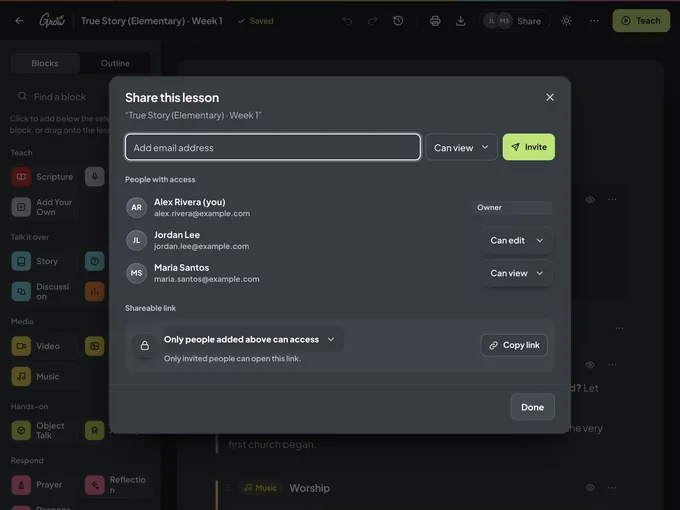
Yes. Share a lesson with your team and choose whether each person can view it or edit it, so everyone teaches from the same plan. You can also print any lesson.
Absolutely. Use the "Add Your Own" block, edit any block's text, add a YouTube video, and rearrange everything to fit your group, your time, and your room.
Watch the tour above, browse more Lesson Builder tutorials on YouTube, or read the help articles.